
Free Shipping on Orders Over $100 Testing Limited time! 25% off $75+ orders. | SHOP NOW | TERMS
25% OFF $75+ ORDERS

“Take chances, and take risks and dare to do something new or different.”


25% OFF $75+ ORDERS
Viral hits, routine faves + bestsellers are calling—come thru.
Exclusions apply.
Lorem ipsum dolor sit amet, consectetuer adipiscing elit. Donec odio. Quisque volutpat mattis eros. Nullam malesuada erat ut turpis. Suspendisse urna nibh viverra non semper suscipit posuere a pede.
ULTIMATE SHADE FINDER GUIDE: HOW TO CHOOSE YOUR PERFRECT MATCH
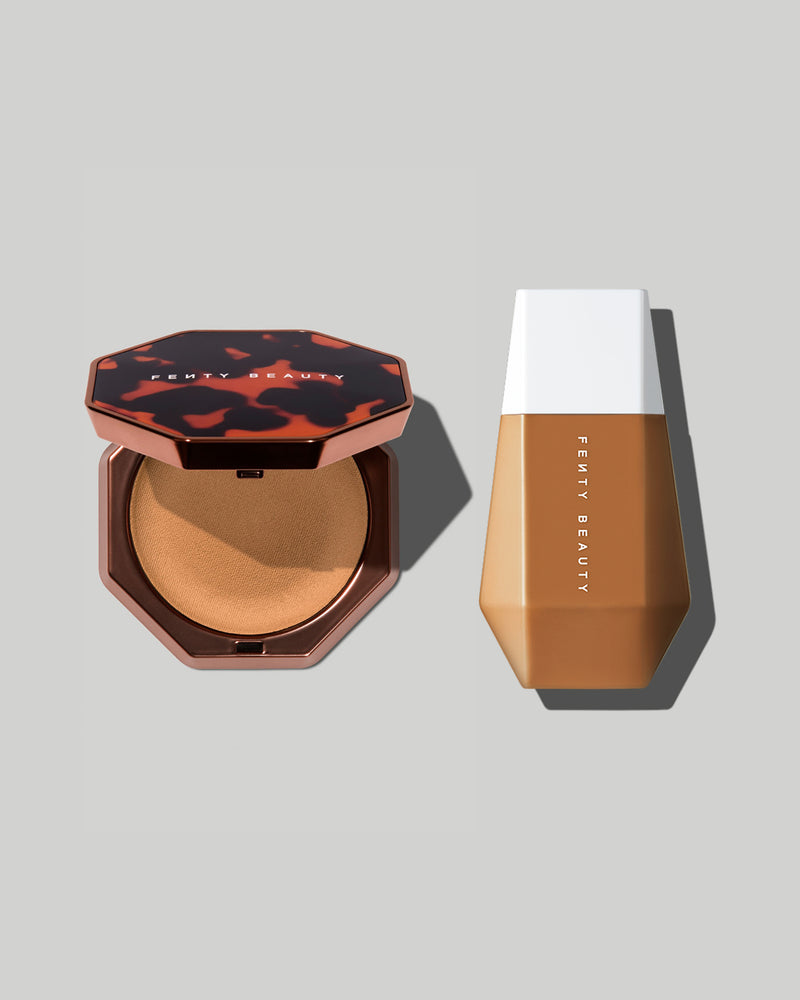
Finding your perfect foundation or concealer shade shouldn’t feel like decoding a skincare riddle. Yet between undertones, finishes, and fluctuating lighting, it’s no wonder so many of us have drawers full of almost-right shades.
STEP 1: UNDERSTAND YOUR SKIN'S UNDERTONE
Before you even touch a bottle of foundation, you need to know your undertone. This isn’t your skin color—it’s the subtle hue underneath that affects how your shade reads.
There are three main types:
Pro tip: Look at the inside of your wrist in natural light. Not sure where you fall? Fenty’s Complexion Cheat Sheet breaks it all down, helping you find your undertone and shade family, step by step.
STEP 2: IDENTIFY YOUR SHADE FAMILY
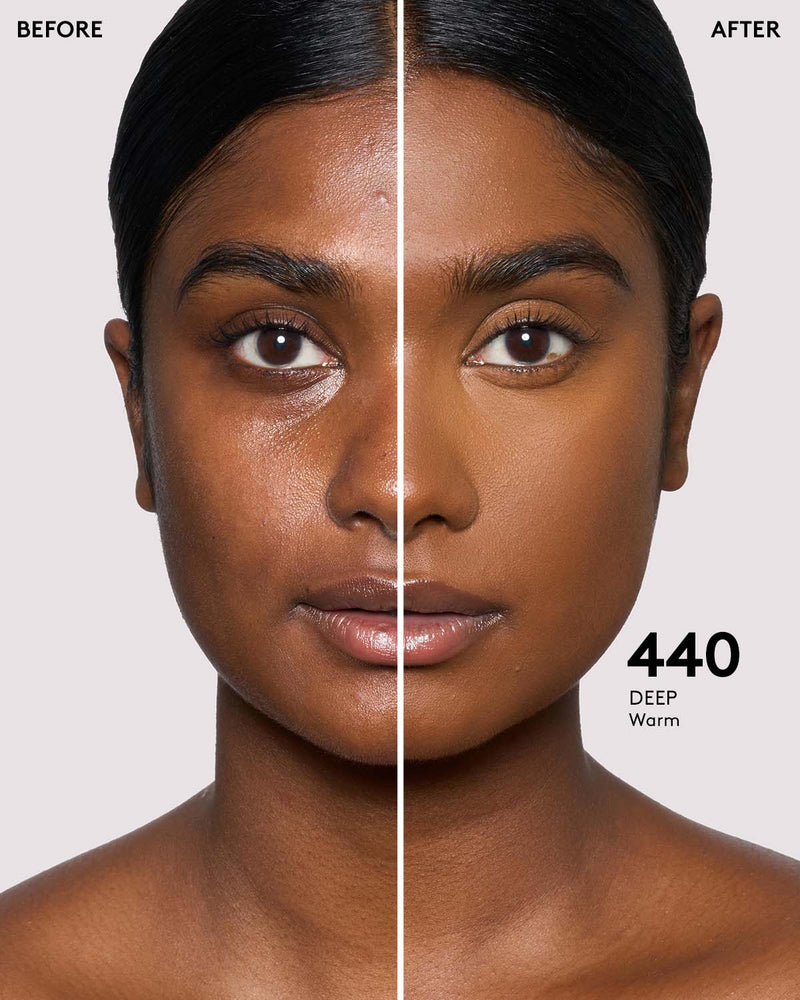
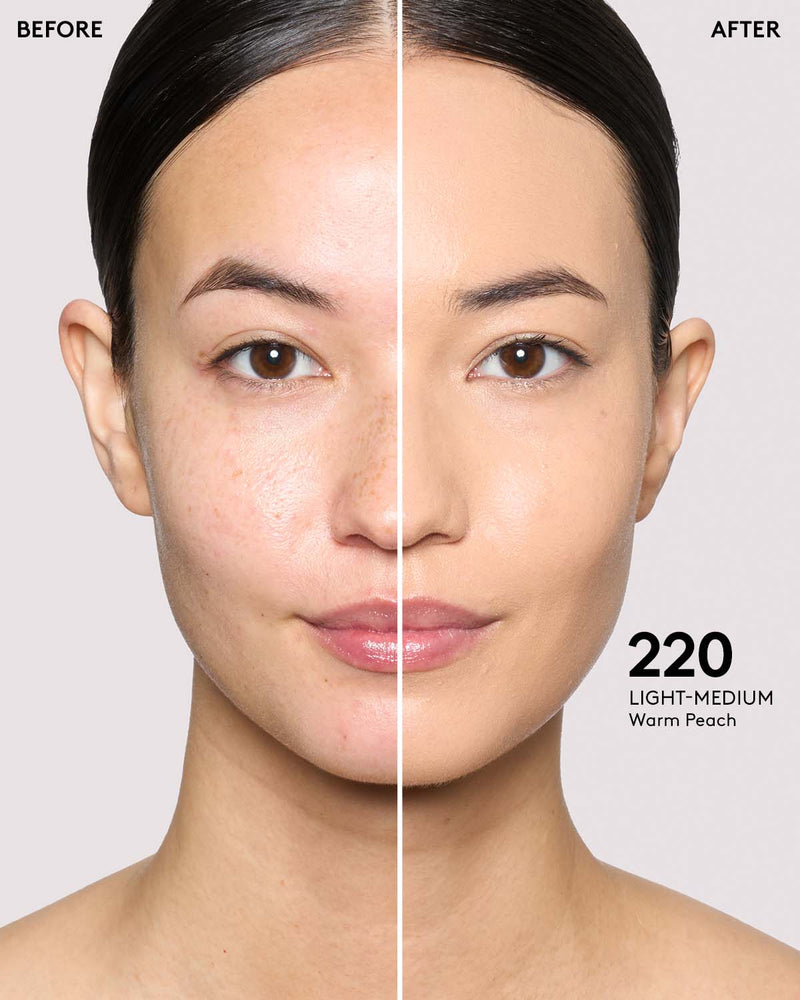
Once you’ve clocked your undertone, it’s time to find your shade family—aka the general depth of your skin tone (light, medium, deep, and all the in-betweens). This gives you a solid starting point for narrowing down exact matches.
Shade families help filter out anything too light or too deep, so you’re not wasting time guessing. And let’s be clear: every skin tone deserves a real match. Fenty’s 50+ foundation shades were built to flex across all undertones, all shades, and all vibes.
FAQ:
SHADE MATCHING, DECODED
Start by identifying your undertone (cool, warm, or neutral) and your general shade family (light to deep). Then use a virtual shade finder like Fenty’s AI-powered tool to match your tone with precision.
Shade finders use tech like skin tone analysis and photo recognition to compare your skin’s unique tones to a curated database of foundation shades. Fenty’s version uses AI to match you with your best fit based on a selfie.
Match your concealer based on how you’re using it: for brightening, go 1–2 shades lighter than your foundation; for spot coverage, use the same shade; for contouring, go deeper.
Natural light is key. Always check your shade in daylight or near a window to see how it truly blends with your skin.
Use Fenty’s Virtual Try-On tool to swatch shades and compare finishes, or take the quiz via our Shade Finder to get instant results from a selfie.
Ideally, it should blend seamlessly between your face and neck. Aim for a shade that harmonizes the two zones if your face is a different tone due to sun or skincare.
Not always. Your skin tone may shift with the seasons, so having a couple of shades to mix as needed is a smart way to stay matched year-round.
TL;DR: SHADE MATCHING LIKE A PRO
Whether you're here asking how to find your foundation shade, how to shade match, or how to find your concealer shade, the answer isn't a guess—it's a strategy.
Start with your undertone. Know your shade family. Use Fenty’s virtual tools. Check your lighting. Know your goals. And when in doubt, test and tweak.
You deserve a match that actually matches. And Fenty’s inclusive tools make it easier than ever to find yours—flawless finish, full stop.
Ready to find your perfect match? Try the Fenty Beauty Virtual Shade Finder now and let your glow lead the way.
THE FENTY BLOG
Blush 101: Cream vs Powder vs Liquid — Let’s Get Into It
How to apply lip gloss for a plump, shiny pout: the ultimate guide
Ultimate Shade Finder Guide: How to choose your perfect match
STYLE WHILE PROTECTING: HOW TO PROTECT YOUR HAIR FROM HEAT (WITHOUT SACRIFICING THE LOOK)
LIP MASKS 101: WHAT THEY DO & WHY YOU NEED THEM
mastering moisturizer with spf
Let me know when it drops. Sign up to get notified when goodies are in stock.
Error